Feb 19, 2026
How to Master Pitch Deck Tracking: The Pre-Seed Founder’s Guide to Investor Signal
You have spent weeks refining your slide deck. The problem is real, the solution is elegant, and the market is massive. You export it as a PDF, attach it to an email, and hit send. Then you wait.
Silence.
Did they open it? Did they read it? Did they get stuck on the financial projections or nod along with your market analysis? When you send a raw PDF, you are operating in a black hole. You have zero data and zero leverage. For a pre-seed founder, this blindness is fatal. You do not have the luxury of burning through fifty investor leads just to realize your "Team" slide is confusing. You need feedback immediately.
This guide is your playbook. We will move beyond simple file sharing and set up a feedback loop that tells you exactly what investors are thinking, even when they ghost you.
Why You Must Prioritize Pitch Deck Tracking
Tracking is not about ego; it is about speed and iteration. When you are pre-revenue and pre-product, your pitch deck is your product. You need to measure its performance just like you would track user activity in an app.
1. Security and Version Control
You send a PDF to an angel investor. Two weeks later, you pivot your pricing model. That investor still has the old PDF with the incorrect numbers saved on their desktop, and you cannot fix it. Pitch deck tracking solves this. You share a live link instead of a static file. When you update the deck on the backend, every link you have ever sent updates instantly. You also control access. If an investor passes, you can disable their link to prevent them from forwarding proprietary data.
2. The "Silent No" vs. "The Hook"
Most investors will not give you detailed feedback. They will just say "pass" or say nothing at all. Tracking data fills this silence. If they opened the deck and closed it after 12 seconds, your problem is the intro or the design. If they spent four minutes reading but dropped off at the "Competition" slide, your differentiation is weak. This is high-fidelity feedback you can use to fix the leak before your next meeting.
The Directory: Best Pitch Deck Tracking Services for 2026
We have analyzed the market to find the tools that actually work for early-stage founders. We prioritized those that offer granular analytics, security, and founder-friendly pricing.
1. DocSend (The Industry Standard)
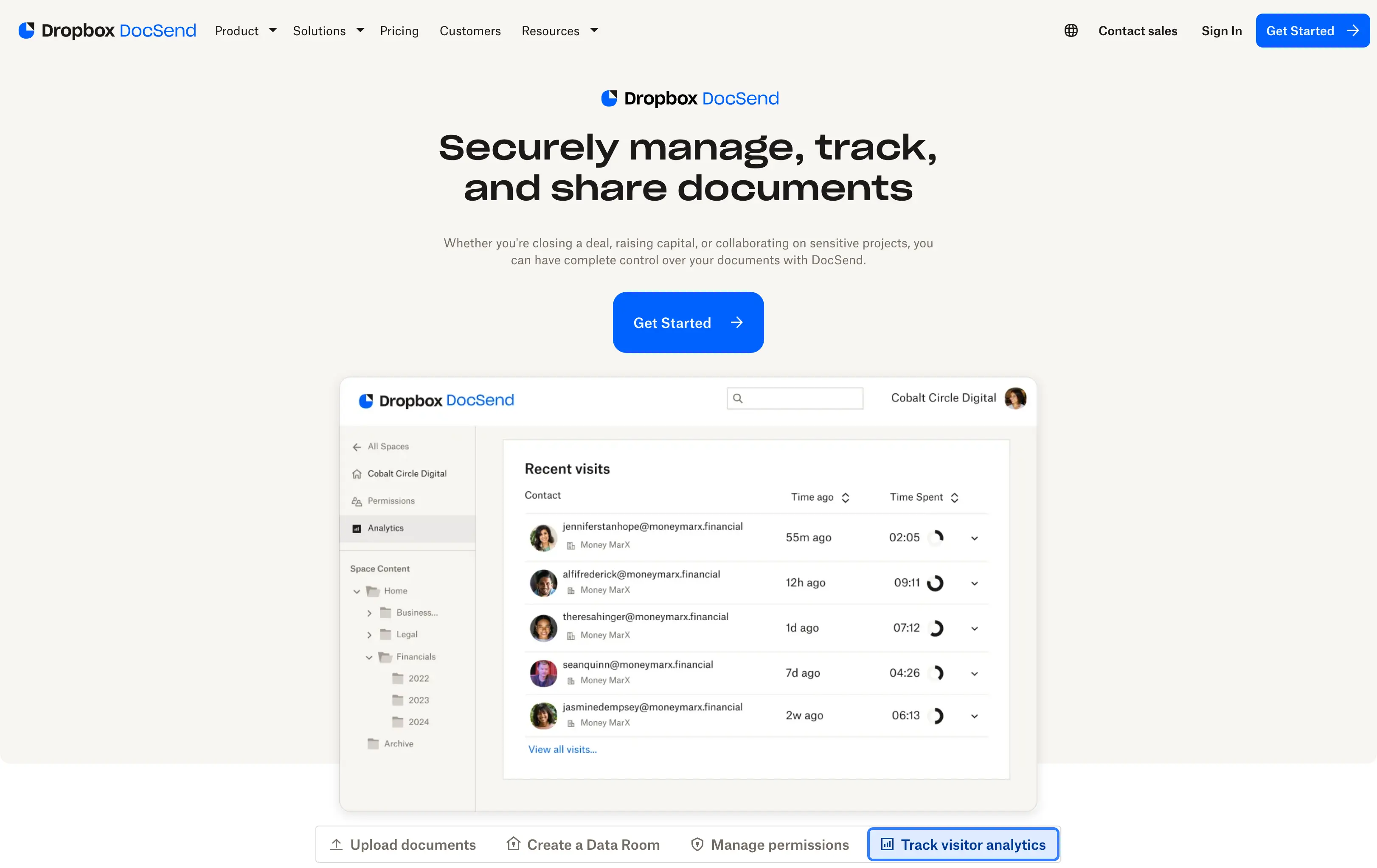
If you ask a Series A VC what they expect, they will likely say a DocSend link. It is the Xerox of the industry. It is reliable, recognized, and safe.
Best For: Founders who need to signal "I know how the game is played" and have a budget.
Key Features: Granular page-by-page analytics, "Spaces" for data rooms, and dynamic watermarking.
The Pre-Seed Reality: It is expensive. The "Personal" plan is limited, and the useful analytics are locked behind higher tiers that can cost upwards of $45-$150/month.
2. Papermark (The Open-Source Challenger)
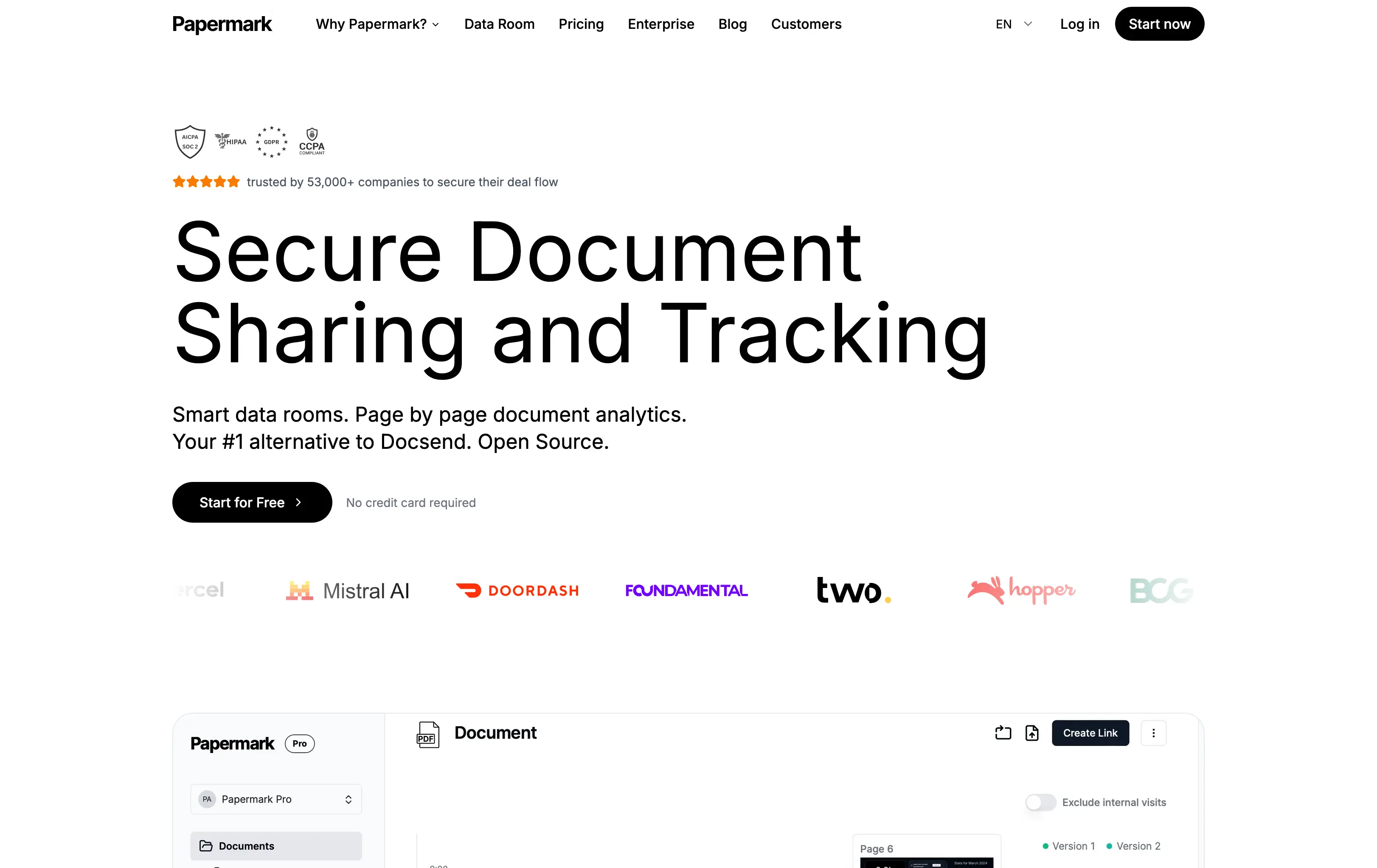
Papermark has rapidly become the favorite for technical founders and bootstrappers. It positions itself as the open-source alternative to DocSend.
Best For: Pre-seed founders who want custom branding (e.g., deck.yourstartup.com) without paying enterprise rates.
Key Features: It offers unlimited views and custom domains on its free tier. You get heatmaps, time-per-slide data, and the ability to host it yourself if you are technical.
The Pre-Seed Reality: It is arguably the highest-value tool for a pre-seed founder right now. You get the professional look of a custom domain for free.
3. OpenVC (The Network Native)
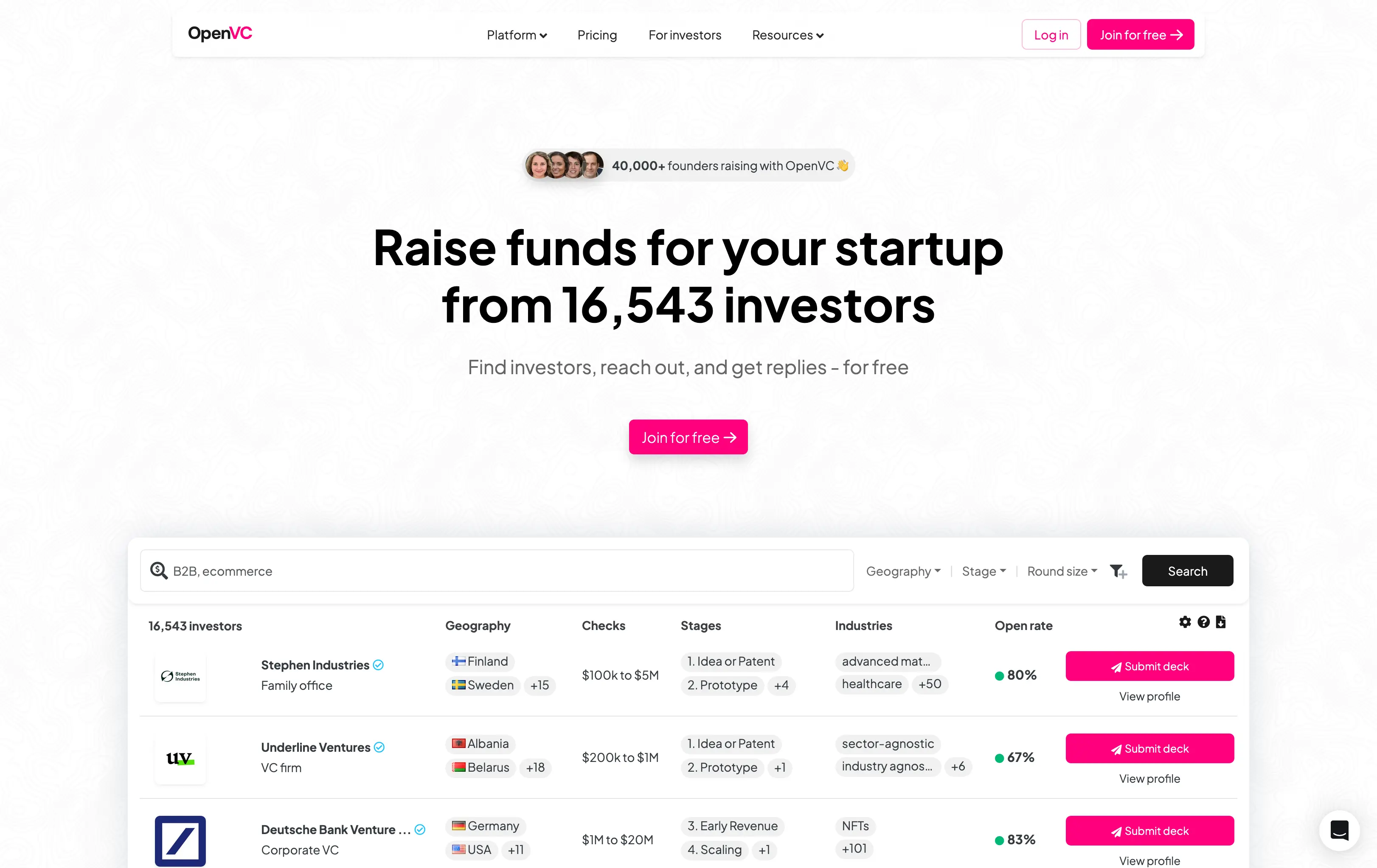
OpenVC is unique because it is not just a tool; it is a network. They provide deck hosting as part of their broader platform to connect founders with investors.
Best For: Founders who are actively building their investor list and want an all-in-one workflow.
Key Features: Completely free deck hosting and tracking. It integrates directly with their investor CRM, so you can see who viewed your deck right next to their contact info.
The Pre-Seed Reality: The "Zero Cost" barrier is unbeatable. It is perfect if you are managing your entire fundraising pipeline within the OpenVC ecosystem.
4. Orangedox (The Google Drive Overlay)
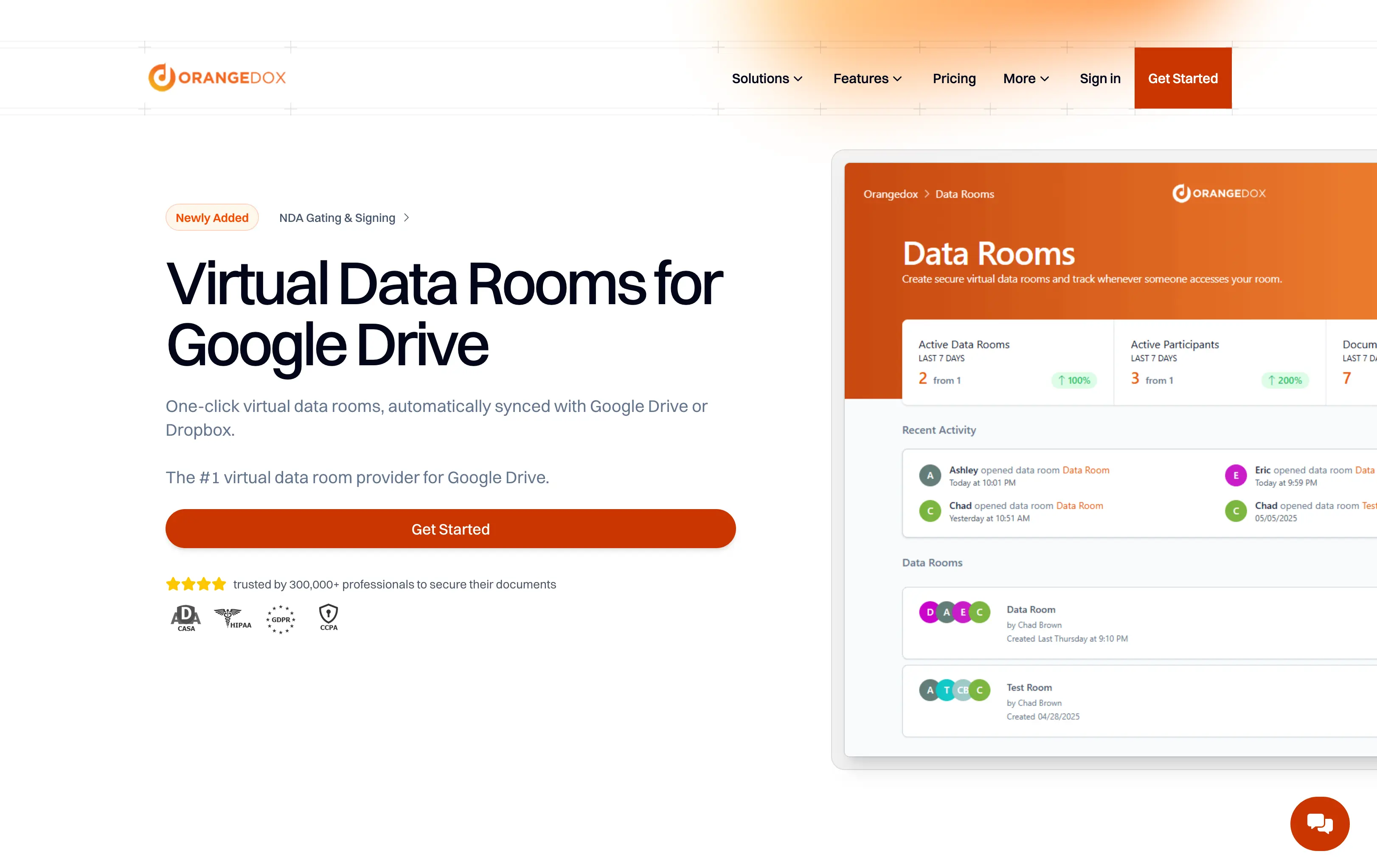
If your entire life exists inside Google Drive, Orangedox is your layer of intelligence. It sits on top of your existing file storage.
Best For: Teams who collaborate heavily in Google Workspace and hate uploading files to new platforms.
Key Features: You share directly from Drive. It tracks downloads and previews.
The Pre-Seed Reality: It removes the "uploading" friction. However, be mindful of the pricing if you need advanced data room features later on.
5. Pitch (The Builder + Tracker)
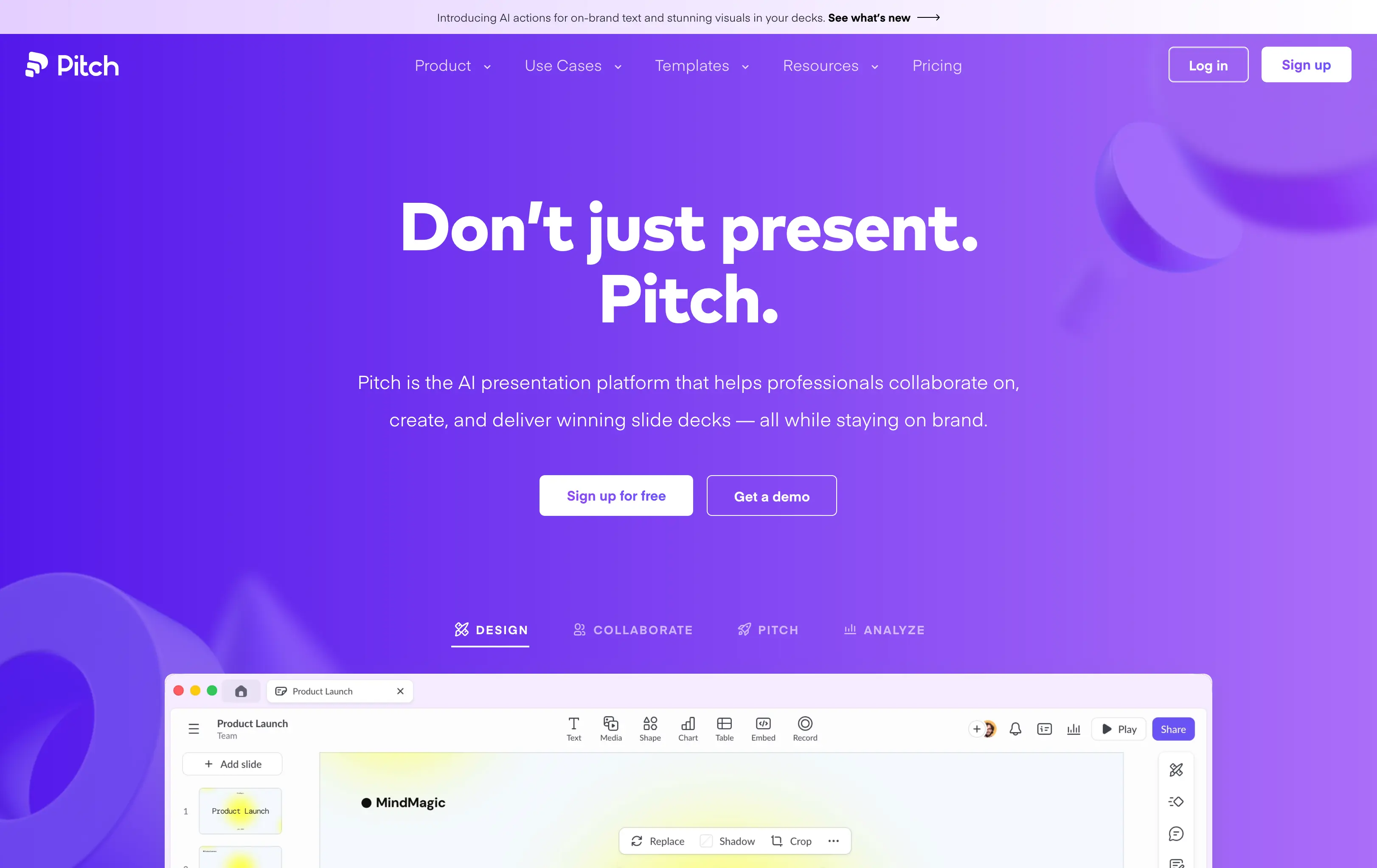
Pitch.com started as a presentation builder (a "Canva killer" for decks) but added robust analytics.
Best For: Design-conscious founders who want to build and track in the same place.
Key Features: You build the slides in their editor, then generate a tracking link. The analytics show exactly which interactive elements were clicked.
The Pre-Seed Reality: Great if you haven't built your deck yet. If your deck is already a PDF from PowerPoint, importing it might mess up your formatting.
Comparison: Which Tool Fits Your Stage?
Feature | DocSend | Papermark | OpenVC | Orangedox |
Cost | $$$(Expensive tiers) | Free /$$ | Free | $$ |
Custom Domain | Enterprise only | Free | No | No |
Analytics Depth | High | High | Medium | Medium |
Setup Time | Fast | Fast | Instant | Fast |
Pre-Seed Fit | Good (Credibility) | Excellent (Value) | Excellent (Network) | Good (Workflow) |
Decoding the Data: How to Read Investor Minds
Having the data is useless if you do not know how to interpret it. Here is how to translate pitch deck tracking metrics into action.
The "Skim-Through" (Total Time: < 60 seconds): They are not interested, or your hook failed. Look at Slide 1 and Slide 2. Is your value proposition clear?
The "Stuck" Point (Time on Slide: > 2 minutes): This indicates confusion or deep scrutiny. If they spend 2 minutes on the "Team" slide, they are likely researching you on LinkedIn. If it is a complex graph, you need to simplify it.
The "Yo-Yo" (Jumping back and forth): They are cross-referencing. This is usually good. They are checking if your "Revenue" slide matches your "Business Model." Ensure your numbers are consistent.
The "Download" (If enabled): This is a buying signal. They are likely sharing it internally. Follow up within 24 hours.
Strategic Implementation: The "Tiered Sending" Protocol
Do not blast your link to 500 investors on day one. Use a tiered approach to protect your reputation.
The Beta Tier (10 Friendly Investors): Send your link to mentors or friendly angels. If everyone drops off at Slide 5, rewrite it.
The Iteration Tier (20 Low-Priority VCs): Send to investors who are a "maybe" fit. Validate that your fixes worked.
The Alpha Tier (Top Priority Targets): Once your deck has a high completion rate (>70%), send it to your dream investors.
Frequently Asked Questions (FAQs)
1. Will investors refuse to open a tracked link?
In 2026, tracked links are the standard. However, some institutional investors have firewalls. Using a trusted domain or a custom domain helps bypass this.
2. Should I allow downloading of my deck?
Generally, no. Keep permissions to "Online Only" for the first meeting. This forces them to come back to your link, which notifies you.
3. Can I track who specifically views the deck if I post the link publicly?
No. To track specific people, you must generate a unique link for each investor (e.g., link/sequoia, link/a16z).
4. What is a "good" completion rate for a deck?
If investors are getting through 70% of your slides, you have a strong narrative. If it is under 40%, your story structure needs a complete overhaul.
5. How accurate is the "Time Per Slide" metric?
It is a proxy, not a perfect science. If a user leaves the tab open to go to lunch, it might register as 45 minutes on one slide. Look for patterns across multiple viewers rather than obsessing over a single outlier.