Feb 20, 2026
Best Investor CRM Software for Pre-Seed Founders: The 2026 Playbook
You are sitting in front of a spreadsheet that has become a monster.
Row 45 is a warm intro you forgot to email. Row 12 is a VC who asked for a pitch deck three weeks ago. Color codes are clashing, and you have a sinking feeling that you are losing momentum.
This is the reality for most pre-seed founders. You are trying to raise $500K to $1M while simultaneously building a product, hiring a team, and keeping your sanity. The tool you use to manage this chaos determines whether you close your round or burn out before the first check is written.
You do not need a complex enterprise system. You need an Investor CRM (Customer Relationship Management) specifically tuned for the high-velocity, high-rejection world of early-stage fundraising.
This guide is your exit strategy from spreadsheet hell. We will break down the best software for your stage, how to structure your pipeline, and how to pair your new CRM with professional assets to actually win the deal.
Why a Sales CRM Fails Your Fundraising (The Pre-Seed Reality)
Most founders make the mistake of googling "Best CRM" and signing up for a massive sales tool like Salesforce or a heavy HubSpot configuration. This is a trap.
Sales and Fundraising look similar on the surface, but the mechanics are fundamentally different.
1. The Relationship Dynamic
In sales, you are often pushing a product to a volume of leads who might not care. In fundraising, you are building a long-term marriage. You are not just tracking "closed won" or "closed lost." You are tracking "pass for now, keep in touch for Series A." A standard sales CRM treats a "no" as a dead lead. An Investor CRM treats a "no" as a nurture campaign.
2. The Network Effect
Pre-seed rounds are built on warm introductions. You rarely cold call a VC and get a check. You need a tool that visualizes who knows who. Sales CRMs focus on the company data; Investor CRMs focus on the connection data.
3. The "Asset" Heavy Workflow
When you sell software, you send a contract. When you sell equity, you send a pitch deck, a financial model, a one-pager, and monthly updates. Your CRM needs to integrate with these documents seamlessly.
The 3-Tier Selection Framework for Cash-Strapped Founders
Before we look at the tools, you need to know what you are optimizing for. As a pre-seed founder, your resources are limited. Apply this filter:
Zero-to-One Speed: Can you set it up in 15 minutes? If it requires a consultant to implement, it is wrong for you.
Enrichment vs. Data Entry: Does the tool automatically pull in the investor’s LinkedIn profile, recent investments, and photo? If you have to manually type in email addresses, you will abandon the tool in a week.
The "Free" or "Startup" Tier: You have zero revenue. The tool must have a generous free tier or a heavy discount (90% off) for early-stage startups.
Top Investor CRM Software for Pre-Seed Founders (Deep Dive)
We have tested and analyzed the market to bring you the best options for 2026, categorized by how they function.
Category 1: The Dedicated Fundraisers
These tools are built explicitly for raising capital. They come with pre-loaded investor databases and pipeline stages that match a typical round.
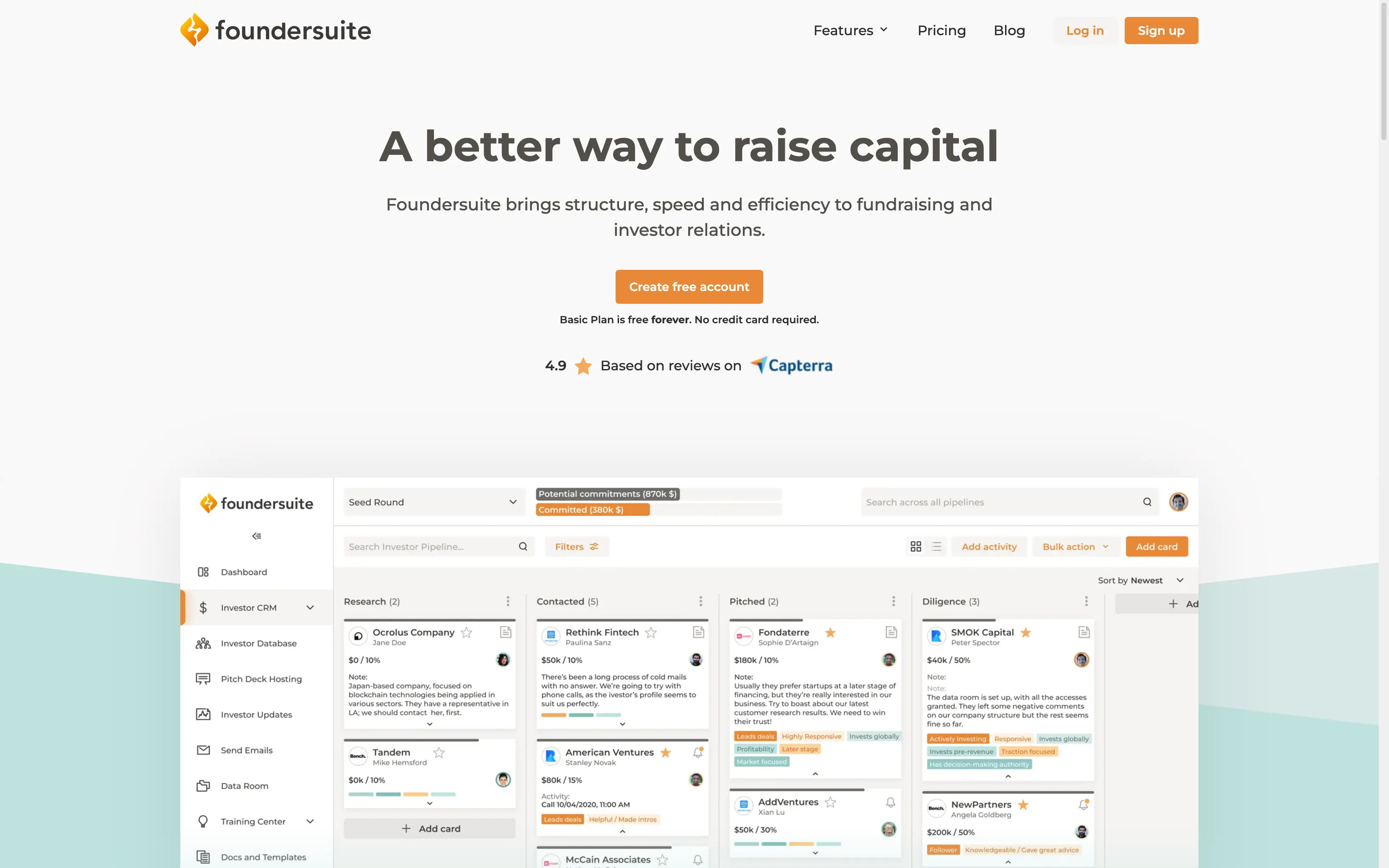
Foundersuite is the veteran in this space. It is arguably the most "batteries included" option for a first-time founder.
The Hook: It combines a CRM with a massive database of 200,000+ investors (VCs, Angels, Family Offices).
Best Feature: The "Investor Update" tool. It has templates built-in to help you send professional updates to your commitments and your "soft circle."
Pricing: Free basic plan. Startup tiers start around $40-$50/month.
Verdict: Use this if you have no network and need to build a list from scratch.
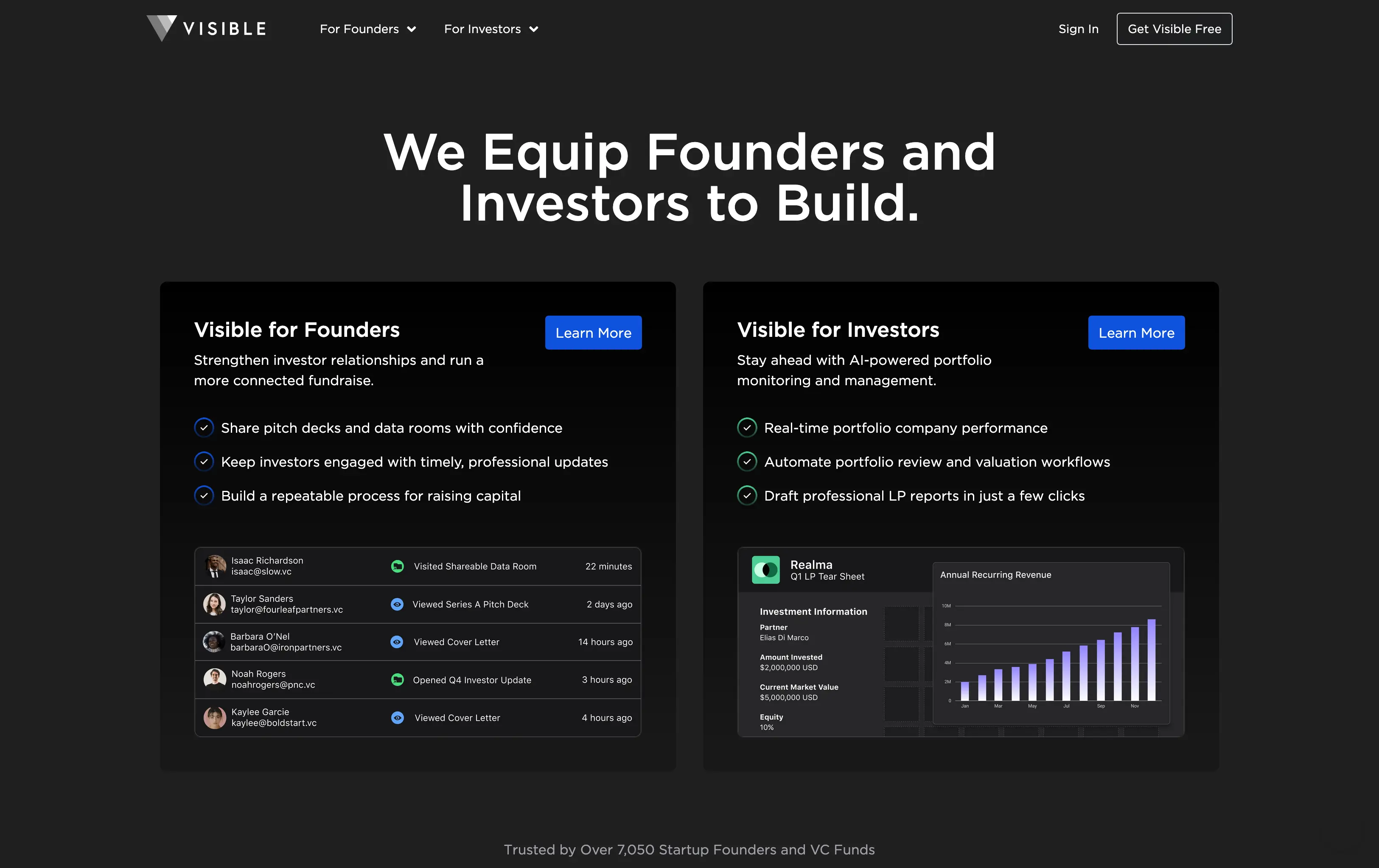
Visible started as an investor reporting tool and expanded backward into a CRM.
The Hook: It is beautiful. The interface focuses heavily on data visualization and tracking how investors engage with your emails.
Best Feature: Deck tracking. You can see exactly which slides an investor spent the most time on. This is critical data for refining your pitch.
Verdict: Use this if you are data-obsessed and want to know if VCs are actually reading your materials.
Category 2: The Network Builders
These tools focus on "Relationship Intelligence." They scan your email and calendar to tell you who you already know.
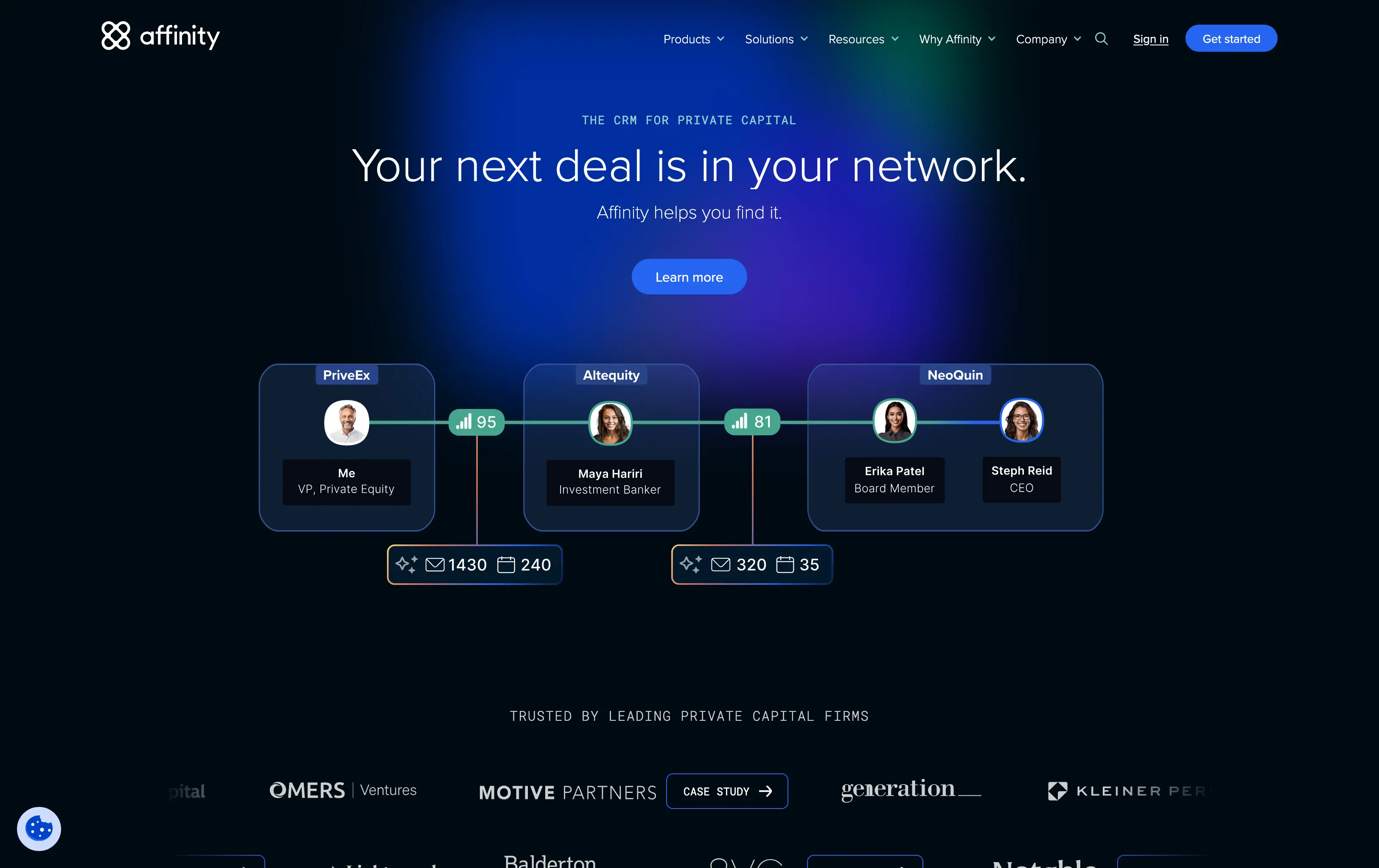
Affinity is often used by VCs themselves, but it is powerful for founders with deep networks.
The Hook: Zero data entry. It syncs with your Gmail and automatically creates profiles for everyone you have ever emailed.
Best Feature: "Alliances." It shows you who in your network (mentors, advisors, previous bosses) has the strongest relationship with your target VC.
Verdict: Often too expensive for pre-seed, but if you can get into their startup program, it is the Rolls Royce of network management.
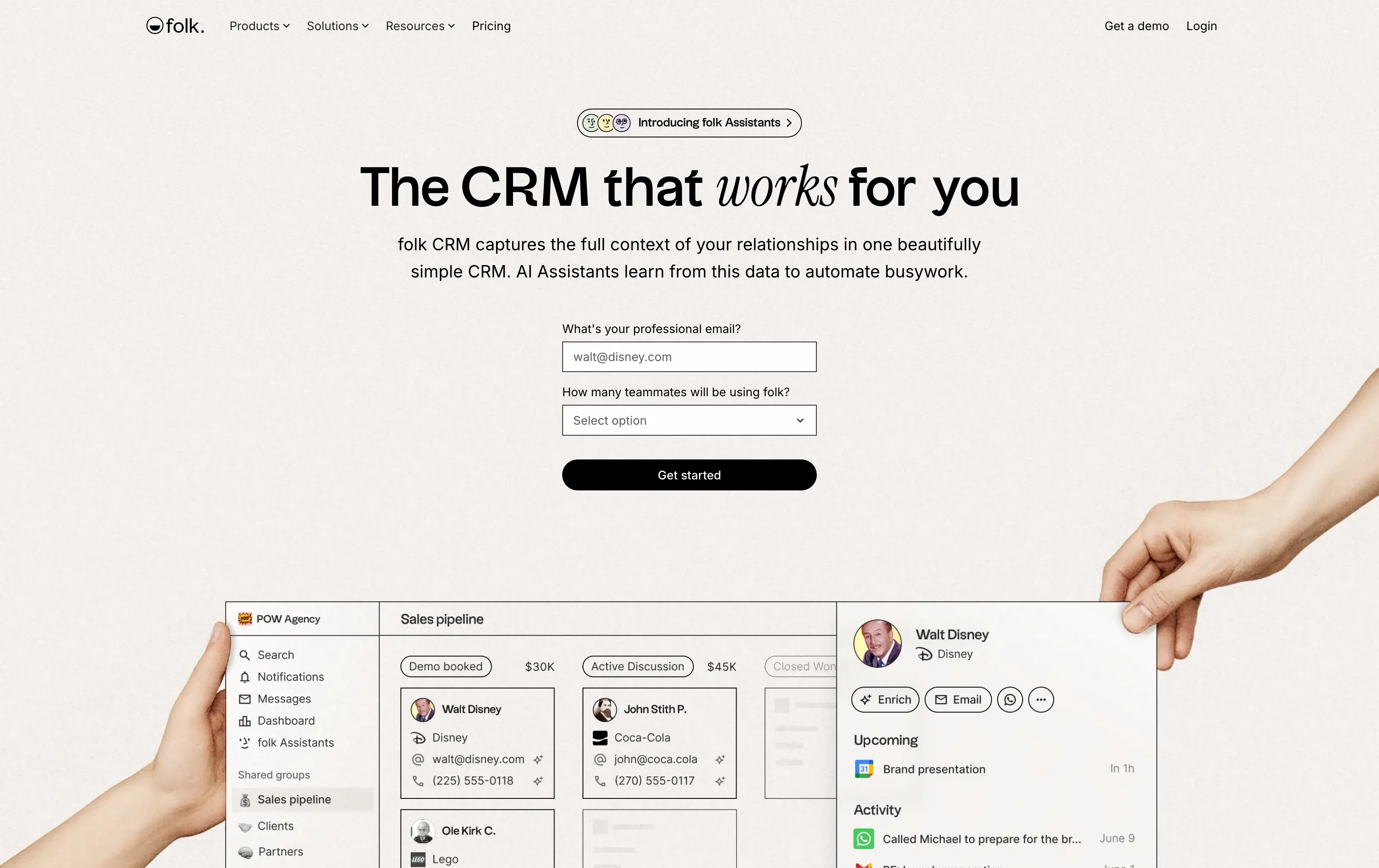
Folk is the "Notion of CRMs." It is lightweight, highly visual, and feels like a modern productivity tool.
The Hook: It is incredibly flexible. You can drag and drop contacts like Trello cards.
Best Feature: The Chrome Extension. You can be on a VC’s LinkedIn profile or Twitter page and add them to your CRM with one click.
Verdict: Best for design-conscious founders who want a tool that feels fast and modern.
Category 3: The Flexible Builders
These are not strictly "Investor CRMs," but they are so customizable that many founders prefer them.
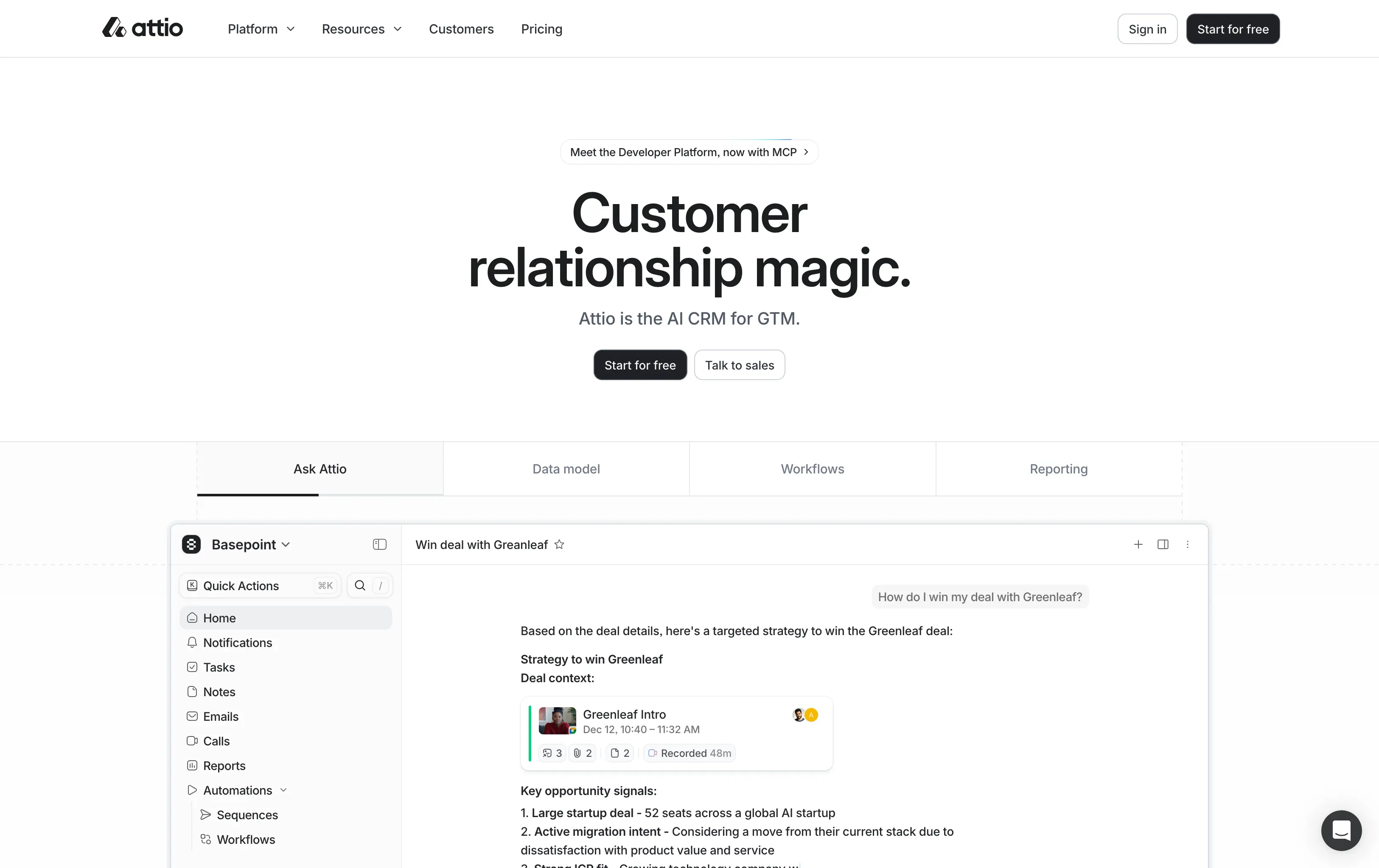
Attio is the new standard for customizable CRMs. It is powerful and allows you to build the exact workflow you want.
The Hook: Total flexibility without the clunkiness of Salesforce.
Best Feature: Data enrichment. You drop in a domain (e.g., "sequoiacap.com"), and it populates the description, logo, and key stats automatically.
Verdict: Perfect for technical founders who want to engineer their own fundraising process.
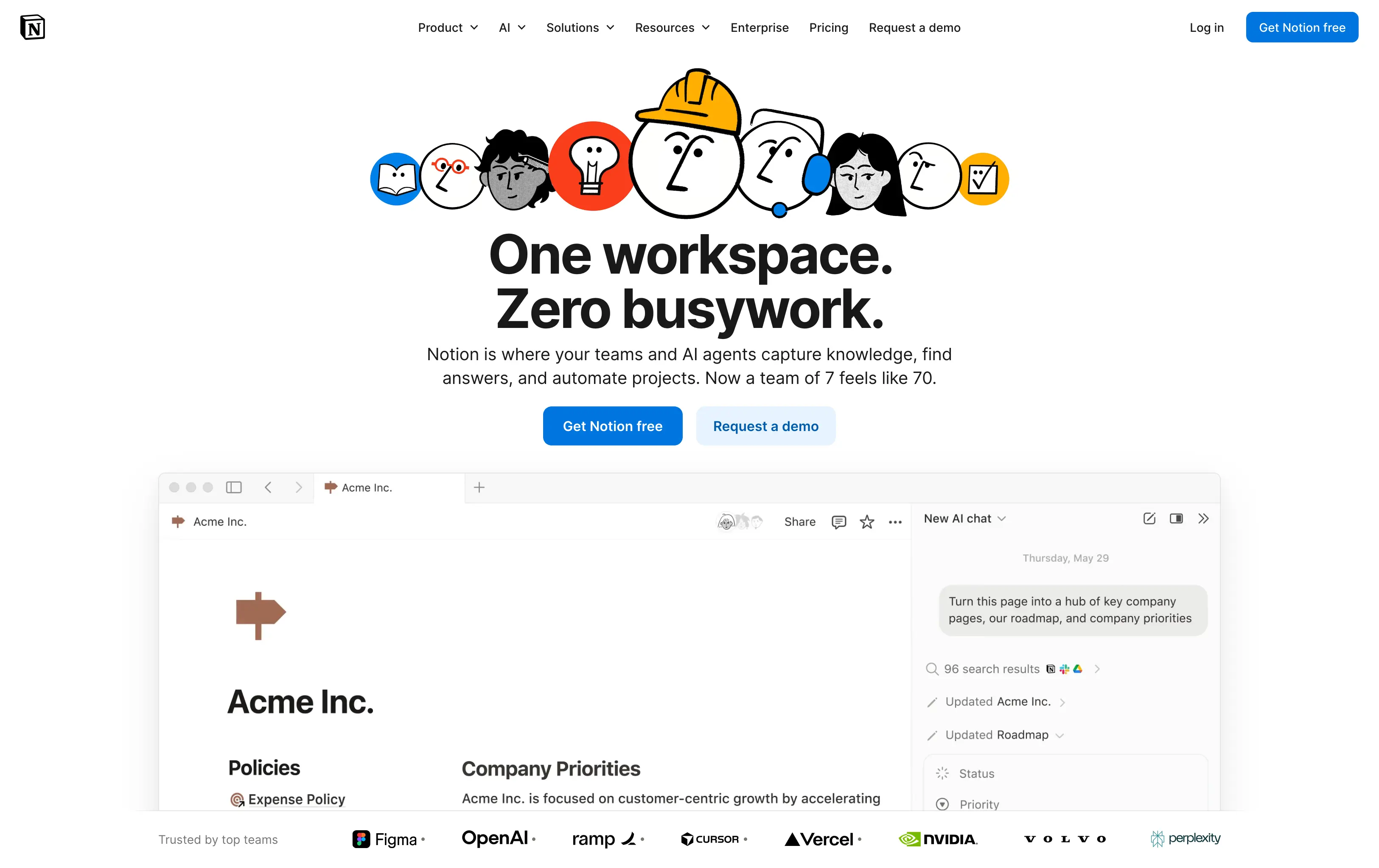
If your entire company wiki is already in Notion, you might just want to keep your investors there too.
The Hook: It’s free (mostly) and you already know how to use it.
Best Feature: Integration with your other docs. You can link your "Meeting Notes" directly to the Investor Record.
Verdict: Good for the very earliest "friends and family" stage. However, it requires a lot of manual maintenance as you scale.
Comparison Table: Feature vs. Cost Analysis
CRM Tool | Best For | Auto-Data Entry? | Investor Database? | Startup Pricing (Est.) |
Foundersuite | List Building | No | Yes | Free / ~$50 mo |
Attio | Custom Workflows | Yes | No | Free / ~$29 mo |
Folk | LinkedIn Power Users | Partial | No | ~$20 mo |
Affinity | Network Intelligence | Yes (Best) | No | High (Unless Startup Program) |
Notion | DIY Lovers | No | No | Free |
The "Feed the Beast" Strategy: Optimizing Your CRM Content
A CRM is just a container. It is a bucket. You can have the most organized bucket in the world, but if you fill it with dirty water, you will not get funded.
To move an investor from "Lead" to "Committed," you need to feed the CRM with high-quality assets. This is where most pre-seed founders fail. They send a plain text email with a link to a messy Google Drive folder.
You need a "Content Stack" to go with your Tech Stack.
1. The Pitch Deck
This is your primary weapon. It needs to be visually stunning and narratively tight.
Common Error: designing it yourself in PowerPoint 15 minutes before the meeting.
The Fix: Use a dedicated design partner. This is where Zyner becomes your secret weapon. Zyner allows you to request unlimited design revisions. You can have a senior design team polish your pitch deck to ensure it looks like a Series A company, even if you are pre-revenue.
2. The Investor Update
Once an investor is in your CRM "Nurture" stage, you must send them monthly updates.
Why it matters: Investors invest in lines, not dots. They want to see progress over time.
The Fix: Don't just send a wall of text. Use a branded template. With a service like Zyner, you can get a reusable, on-brand investor update template designed. It signals competence and respect for the investor's time.
3. The One-Pager
This is the "teaser" you send before the meeting. It must be concise and punchy.
The Fix: Again, aesthetics signal trust. A professionally designed one-pager (which you can request via your Zyner dashboard) often gets a higher open rate than a generic PDF.
Step-by-Step: Setting Up Your Pre-Seed Pipeline Stages
Do not use the default sales stages (Prospecting, Qualification, Proposal, Closed). They do not fit. Configure your new CRM with these specific fundraising stages:
Research / Target List: You found them on Twitter or Crunchbase. You have not reached out yet.
Action: Find a mutual connection for a warm intro.
To Be Contacted: You have a warm intro path identified.
Action: Draft the forwardable email.
Contacted / Awaiting Reply: Intro has been sent.
Action: Set a reminder to follow up in 3 days if silent.
Meeting Scheduled: They agreed to a call.
Action: Send the pre-read (One-Pager).
Diligence / Deep Dive: First meeting went well. They are asking for data room access.
Action: Send the Deck and Financials.
Partner Meeting: You are meeting the full partnership. This is the final boss battle.
Action: Polish the narrative.
Soft Circled: They said "Yes, if you find a lead."
Action: Keep them warm with weekly updates.
Committed: The Term Sheet is signed.
Pass / Nurture: They said no, but were nice.
Action: Move to "Newsletter List" for future rounds.
Quick Takeaways
Don't use a spreadsheet. It doesn't scale and lacks automated reminders.
Choose based on your weakness. If you have no network, choose Foundersuite for the database. If you have a huge network, choose Affinity or Attio to manage it.
Design matters. A great CRM sending an ugly deck is a waste of money. Pair your CRM with a design subscription like Zyner to ensure every touchpoint looks professional.
Automate data entry. You don't have time to type data. Use tools like Folk or Attio that enrich contacts automatically.
Nurture the "Nos". 90% of investors will say no. Put them in a "Nurture" pipeline and send them beautiful monthly updates. They might invest in your next round.
FAQs
1. Should I use HubSpot for fundraising?
HubSpot is a powerful tool, and they offer great startup discounts (up to 90% off). However, it requires significant configuration to make it work for fundraising. If you are already using HubSpot for sales, use it for fundraising to keep everything in one place. If not, a dedicated tool like Foundersuite or Attio is easier to start with.
2. How much should I pay for a CRM at the pre-seed stage?
Ideally, $0. Most tools offer a free tier. If you must pay, aim for under $50/month per user. Do not sign annual contracts unless you are 100% sure the tool fits your workflow.
3. Is Excel or Airtable enough?
For the first 20 investors, yes. But once you start generating warm intro requests and follow-ups for 50+ investors, manual entry becomes a bottleneck. You will drop balls, and dropped balls cost you checks.
4. How do I get investors into my CRM?
You need to build a target list. You can use databases like Crunchbase, PitchBook, or the built-in database in Foundersuite. Once identified, use tools like Folk’s Chrome extension to scrape their LinkedIn data directly into your pipeline.
5. What is the most important field in an Investor CRM?
"Last Contacted Date." You should sort your list by this field every morning. If you haven't spoken to a "Warm" lead in 10 days, you are falling off their radar. Bump them immediately.